

Commercial Security Integration Planning
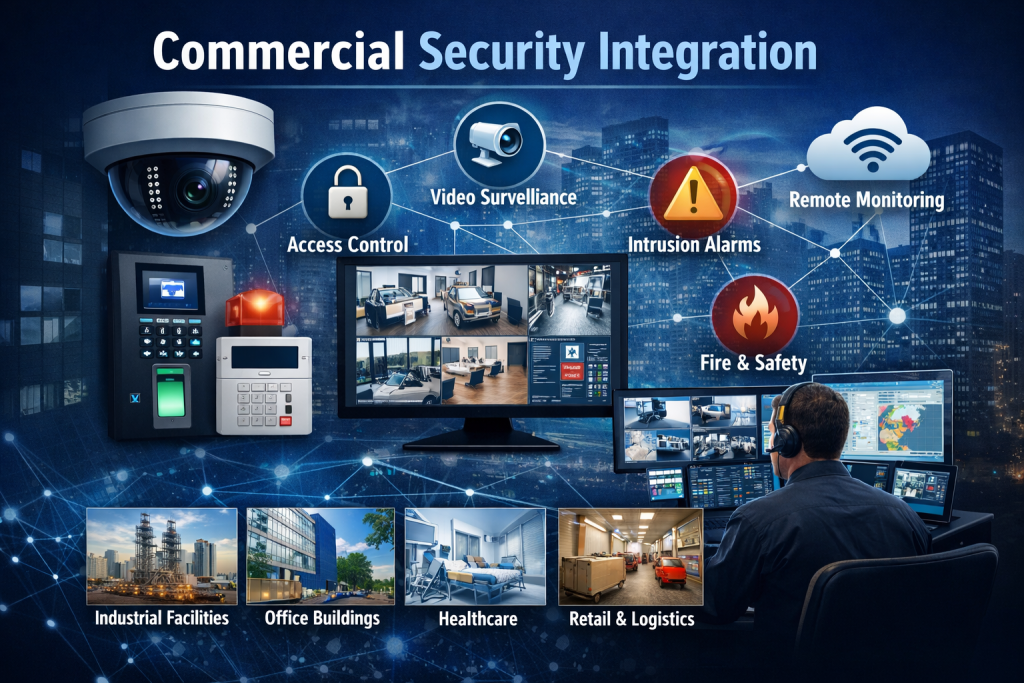
Commercial security integration planning starts with a practical question: which information should move between your cameras, doors, alarms, and the people who respond to them?
Define the outcome before choosing a platform
This educational guide helps facilities teams prepare an integration brief. It covers existing equipment, event workflows, responsibilities, testing, and handover. Use it to organize questions before discussing a property-specific design with an integrator.
Start with a few events staff need to handle more clearly. Examples include reviewing video after a forced-door alert, checking a delivery at an unstaffed entrance, or finding the access record associated with a reported incident. For each event, describe who needs the information and what decision they should make.
Record the systems you already have
List the camera and recording systems, access controllers, alarm panels, software versions, licenses, and network connections in use. Identify who owns the accounts and who can authorize configuration changes. Note equipment that lacks current documentation or a known support contact.
Ask the proposed provider to confirm compatibility against this inventory. A shared manufacturer name or a general claim of an open platform does not establish that the particular functions will work together. Record any required software upgrade, license, interface, or equipment replacement in the scope.
Map the event from detection to review
For each priority event, document the trigger, the information displayed, the responsible operator, and the expected response. Decide where the event record should be stored and how staff will retrieve it later. Include routine events and exceptions, such as a disconnected camera or an unavailable operator.
Keep automated actions specific. Linking an alarm to a camera view is a different requirement from automatically changing door permissions. Have the appropriate facility personnel approve the intended behavior, including what happens when a component is offline.
Review each system’s role
Video and event records
The video surveillance planning guide helps frame coverage and recording questions. For integration, also confirm that timestamps align, the relevant camera is associated with the right event, and authorized staff can retrieve useful footage.
Doors, credentials, and visitors
Use the access control planning guide to review controlled openings and permissions. Then define how an access event relates to video or an operator notification. Test granted access, denied access, credential expiry, and the agreed offline procedure.
Alarms and monitoring
The intrusion alarm planning guide describes alarm scope. Pair that with the monitoring planning resource when deciding which events reach staff or a monitoring service. Confirm the notification path, escalation contacts, and response responsibilities.
Life-safety coordination
Document any proposed interaction with fire alarms, emergency release, or required exit hardware for review by qualified professionals and the authority having jurisdiction. An integration feature does not replace required design review, testing, inspection, or approval. Keep the responsible parties and their acceptance steps explicit.
Check network capacity and ownership
Record the network paths, available power, backup power, equipment locations, and support responsibilities. Discuss who manages software updates, system accounts, remote support, and network changes. Involve security administrators and the IT team in decisions that affect both groups.
Focus this integration brief on the connections and event workflows required at the property. Record who will maintain each connection and how planned changes will be reviewed with the teams that use it.
Pilot before repeating across locations
For several buildings or sites, choose a representative pilot. Record which settings can be shared and which depend on local entrances, staffing, schedules, and equipment. A successful demonstration at one location does not establish readiness at every other site.
Ask for a rollout plan that identifies prerequisites, downtime, fallback arrangements, training, and the person who accepts each location. Maintain a separate record of unresolved items so they do not disappear into a general completion statement.
Agree on testing and handover
Write acceptance tests before installation begins. Each test should name the starting condition, action, expected result, and evidence to retain. Include loss of communication, restoration of service, permission changes, and retrieval of earlier events where relevant to the agreed scope.
At handover, request the approved system inventory, configuration records, operator instructions, support contacts, licensing details, and a list of outstanding work. Let the people who will use the system carry out the agreed scenarios themselves. Review the process again when staffing or the building changes.
Questions to bring to the planning discussion
Can existing equipment remain?
Possibly. The decision depends on the actual models, versions, support status, and required functions. Ask for an itemized retain, upgrade, or replace recommendation with the reason for each choice.
Will integration eliminate false alarms?
No system should be selected on that promise. Event context can help people assess an alert, but outcomes depend on detection settings, equipment condition, procedures, and the way the system is operated.
What should be in the proposal?
Look for a clear equipment and software scope, the integrations included, customer responsibilities, recurring costs, testing criteria, training, and support arrangements. Ask the provider to identify exclusions and dependencies that could change the project.
Move from planning to a site-specific assessment
Prepare your equipment list and priority event scenarios before requesting a design. For property-specific integration services, visit Northeast Remote Surveillance and Alarm, LLC.